27/03/2026 10:07 am
Topic starter
Community
Connect with us and enhance your M-Files experience using Extension Kit for M-Files. Here is how to get started.

Notifications
Clear all
0

Just saw the article on inserting images in Word. It describes how to insert one image at a bookmark in the word document.
A client in the construction industry has asked for a solution where they easily can create a report including multiple pre and post images of work done when they are out to repair something.
The number of images can vary from case to case. Images would be saved in M-Files as individual documents related to the case and shown in two multiselect lookup properties containing lists of pre and post images respectively.
The ideal solution would be to have a word template with one bookmark for pre images and one for post images, and then have Ext.Kit insert all of the images listed in the related property. Would that be possible? As I read the info in the configuration a file action will insert only the first file matching the filename wildcard. This means that you would need to insert multiple bookmarks for pre images and likewise for post images. Given that the number of pictures and their file names can vary from case to case it would be difficult if not impossible to solve the challenge described. Any suggestions?
1 Answer
0
30/03/2026 9:06 am

Hi Karl,
Adding multiple images to a bookmark is easy to configure in the Word Writer module. In the screenshot below, you can see the configuration of the file action that inserts all images from a multi-select property into a single bookmark in Word, named PreImages.

There are two types of “Insert image” behavior: Replace and Append. In both cases, all images from your multi-select property will be added to the document - the difference is what happens when you run the rule again.
If you select Replace, any previously added images will be removed when the rule is re-run, and the new set of images will be inserted. If you select Append, the behavior is as follows:
- You add 4 images to your multi-select property and run the rule for the first time
- All 4 images are inserted into the document
- Later, you remove those 4 images and select 2 new ones
- The 2 new images are added, but the original 4 remain in the document
If you expect changes to the images, I recommend using the Replace option, as it is more intuitive for this use case. For example, if the end user changes just one image, all images will be removed and then reinserted, avoiding duplicate content.
At the moment, we do not support additional formatting—such as adding spacing between images or modifying layout beyond size. Images are inserted next to each other. Also, if you manually edit the document in Word after the rule runs, you may lose the ability to replace images later, since a bookmark treats a newline (\n) as the end of its content.
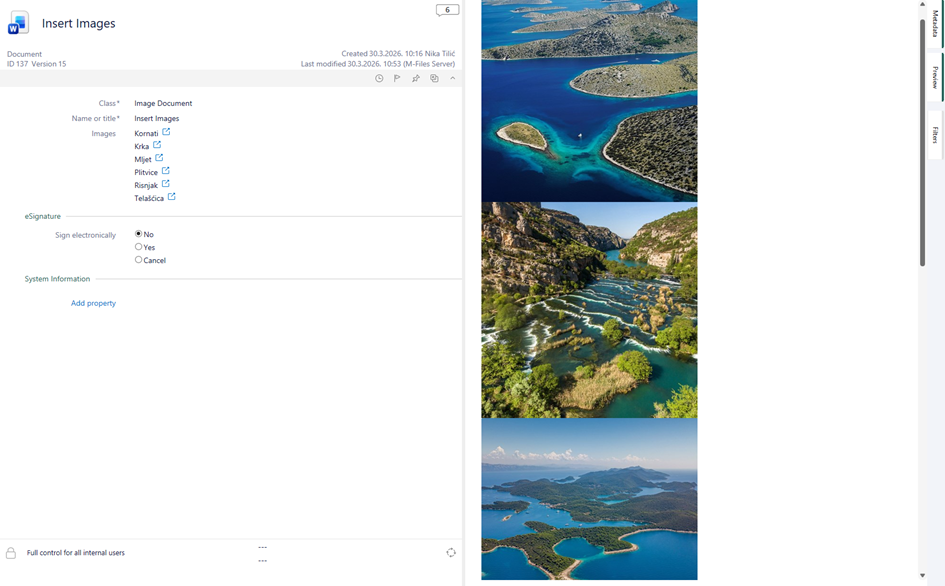
In short, Extension Kit can help you insert multiple images into Word, but you may still need to make manual adjustments afterward. Once edits are made, re-running the rule (e.g., to replace a few images) may no longer be possible.
I hope this configuration works for you and helps you build your case.
Best regards,
Nika