Sync data between Excel or Word with M-Files
Automatically read, write, and update values across Word or Excel documents and M-Files objects —
without manual edits or custom coding.
When Office integration goes beyond the basics
Syncing Word or Excel documents with M-Files data is straightforward for simple use cases. But more advanced scenarios often demand extra effort.
Generating structured, dynamic content — such as bullet lists from multiselect properties, formatted tables, embedded Excel sheets, or automatically inserted images — often requires additional scripting or custom development.
Without the right tools, these requirements increase implementation time, complicate template maintenance, and make adjustments harder as business needs evolve.
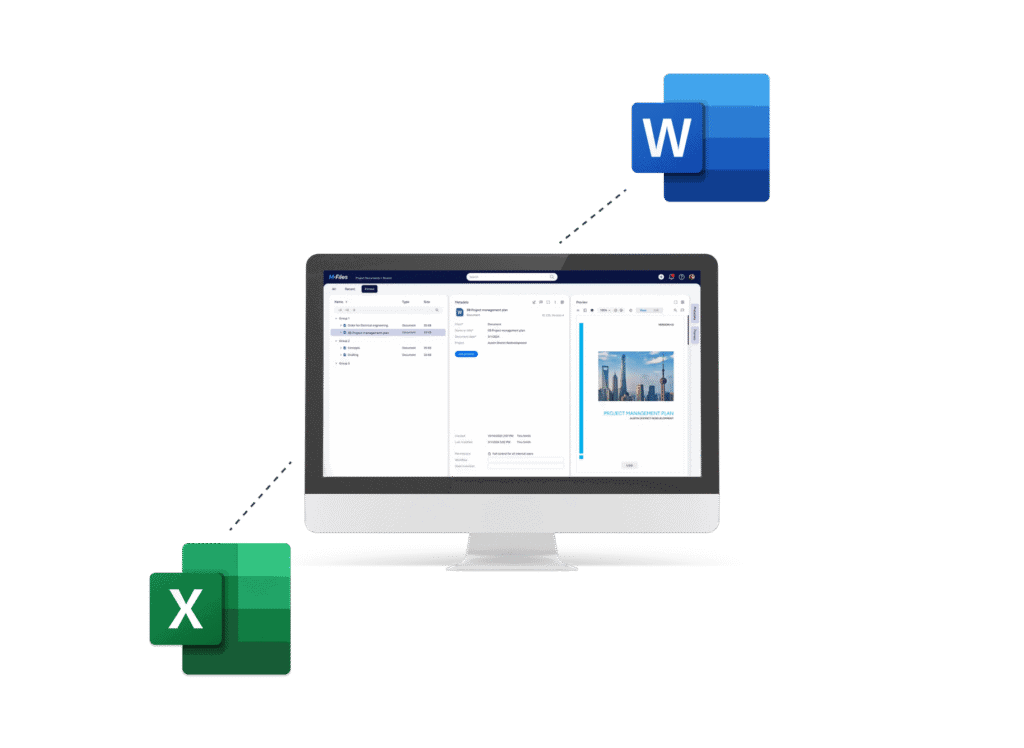
Seamlessly sync M-Files data and Office documents
With Extension Kit Core, integrate M-Files with Word and Excel without custom coding. Automatically read from or write to Office documents using configurable rules, even for complex formatting. Keep metadata and files in perfect sync — without ever opening the file.
Pull values from any cell or row in an Excel sheet and store them in M-Files object properties.
Insert metadata values into Excel cells, or copy cell ranges and sheets from one file to another.
Extract data from bookmarks, textboxes, or tables in a Word document and populate M-Files properties.
Dynamically populate Word tables, textboxes, or bookmarks with M-Files data. Embed Excel sheets or images from a specified path or M-Files objects directly into the document.
Smart document integration with configurable rules
Skip the custom scripts — build robust Word and Excel integrations using simple, rule-based configuration directly in M-Files Admin.
Use cases
A customer receives an Excel Cash Flow report from their bank. Key values for each business year are automatically extracted from a Bank report document and saved into a CashFlow Statement object in M-Files.
See the configurationWhen a Travel Order enters the “Completed” state, metadata such as dates, destination, and employee details are automatically inserted into an Excel travel expense form.
When a new Meeting Note object is created, values like date, attendees, and topics are extracted from a structured Word report and stored as metadata in M-Files.
Automatically populate a Word table listing key information from multiple Deal objects linked to a single report.
Ready to simplify your next M-Files implementation?
Empower your M-Files implementation and cut development time and cost with Extension Kit for M-Files - low-code/no-code solutions that accelerate deployment, simplify configuration, and deliver advanced features.