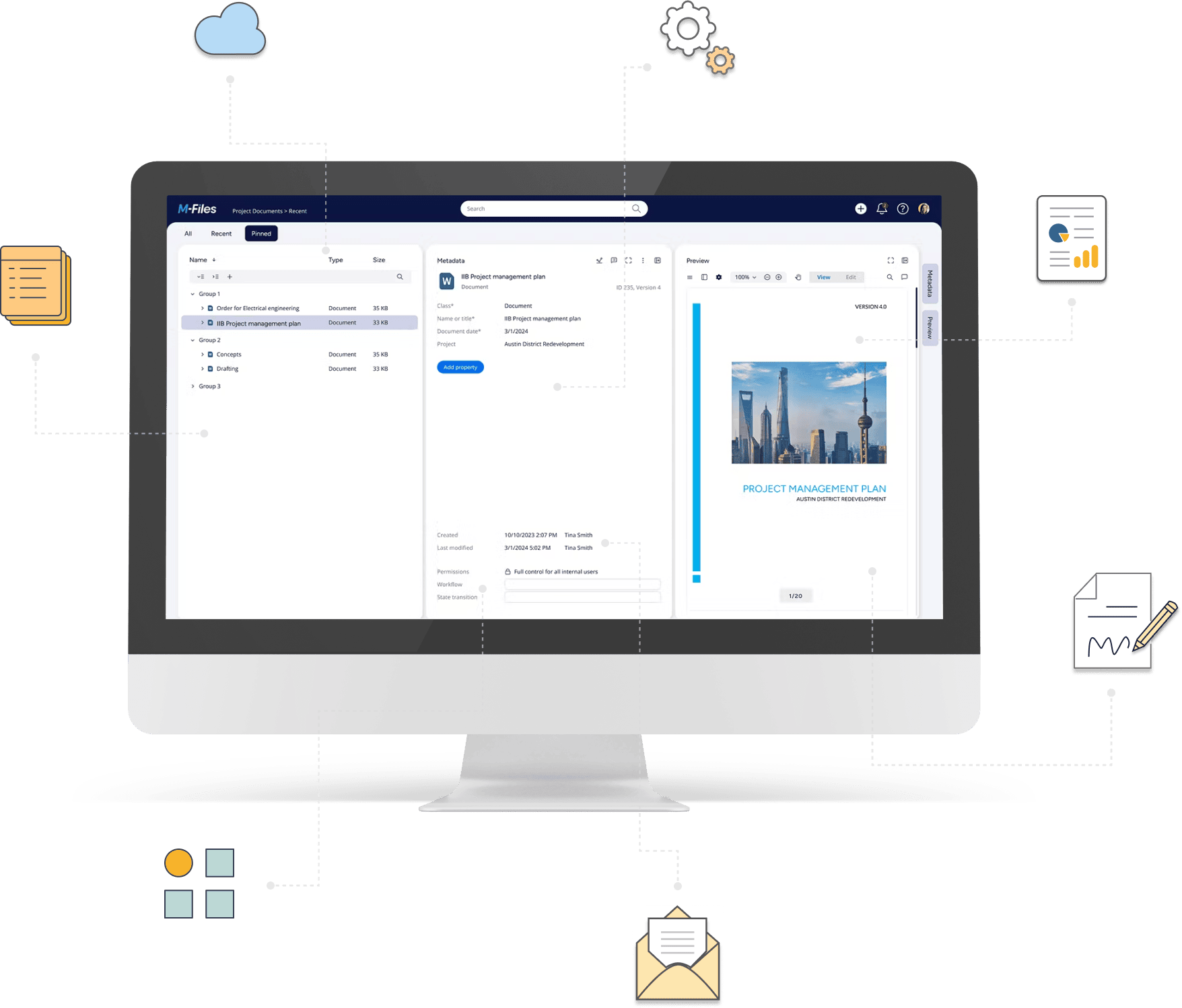
Work with electronic and digital signatures
Easily add or remove electronic and digital signatures in M-Files using simple configurations.
No custom development, just better control over document signing.
Signature handling in M-Files can get complex, fast
Signatures are a critical part of many business processes — from HR and legal to finance.
Yet adding signature functionality to M-Files often requires extra steps or custom solutions.
Common requirements include:
Automatically adding an electronic signature after approval
Applying a digital signature that locks the document
Controlling the signature’s format and position
Without a built-in approach, these needs often lead to custom development, slowing down implementation and increasing complexity, especially around compliance and consistency.
What partners need is a fast, no-code way to manage signatures directly within M-Files.
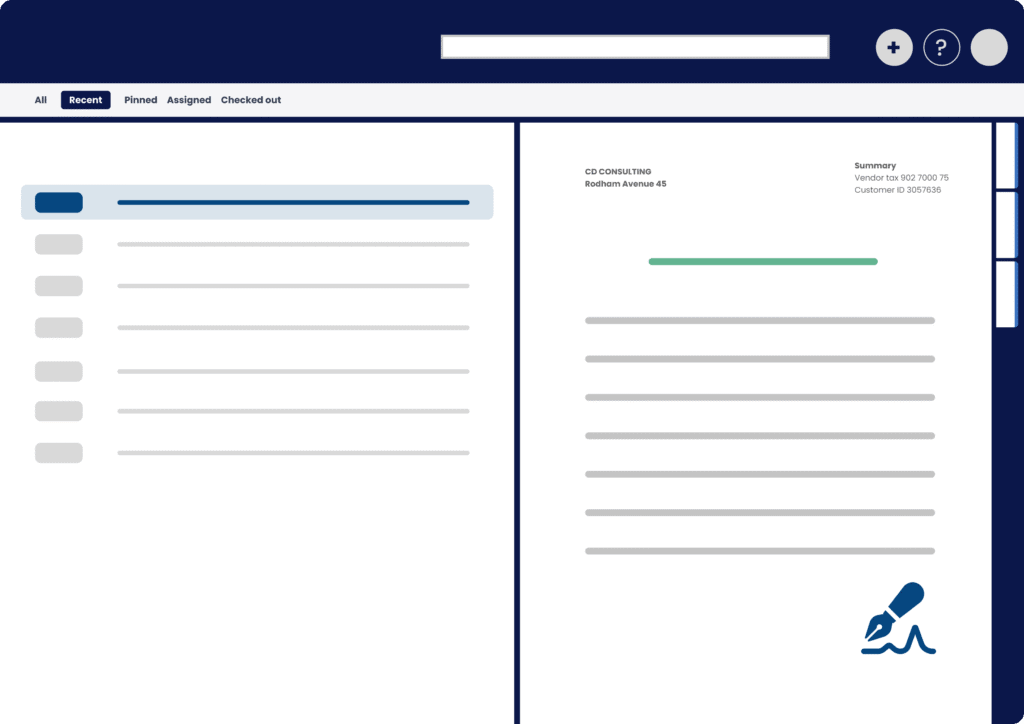
Add and automate signatures in M-Files without coding
With Extension Kit Core, you can integrate electronic and digital signatures into M-Files workflows without custom coding.
Key features include:
Easily insert a visual signature as text or an image directly into documents, or remove existing signatures during the document lifecycle.
Apply a certified digital signature to your documents, ensuring a secure and legally compliant signature workflow.
Customize text, font, color, size, orientation, and position of signatures.
Everything is configured using Extension Kit — no scripts, no back-and-forth with developers.
Faster projects, less friction, and a better experience for everyone
Use cases
When a document enters the state Document Approved, add the Author’s signature to the document.
When a document enters the state Document Approved, add the Reviewer’s signature.
Ready to simplify your next M-Files implementation?
Empower your M-Files implementation and cut development time and cost with Extension Kit for M-Files - low-code/no-code solutions that accelerate deployment, simplify configuration, and deliver advanced features.