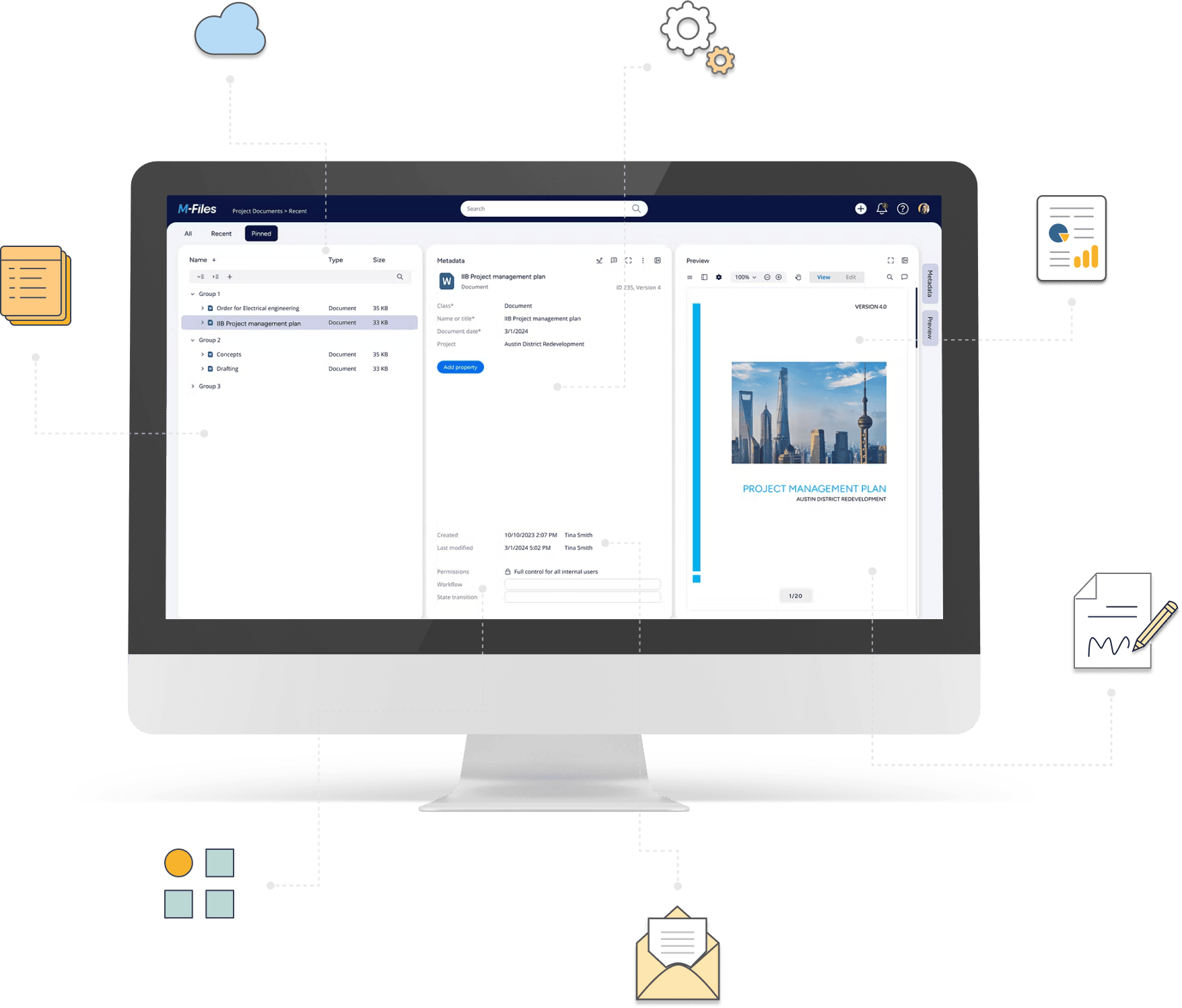
Multiple ways to connect M-Files with your systems
Connect M-Files with external applications, databases, Microsoft cloud services, files, or other M-Files vaults — without custom development.
Connect systems. Exchange information. Automate processes.
Extension Kit helps you connect M-Files with external systems and automate information exchange through configurable integrations.
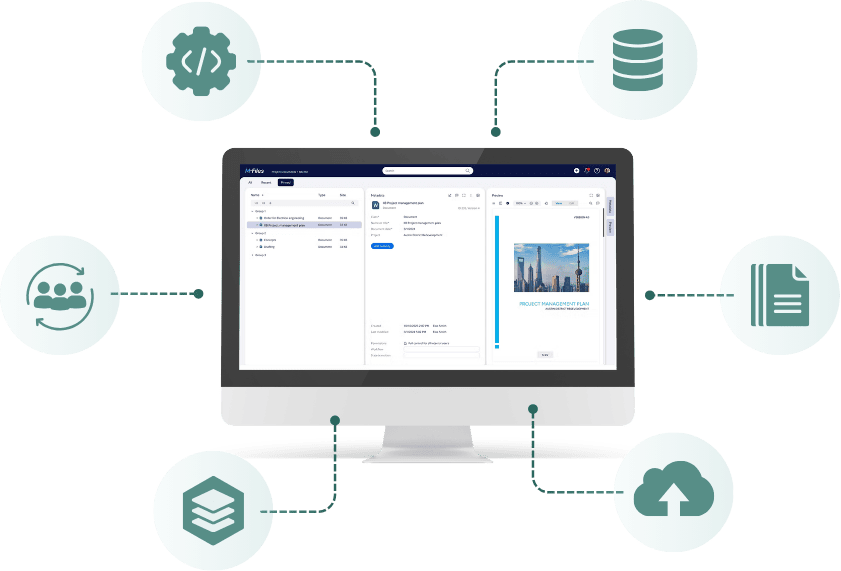
Ways to connect M-Files with other systems
Explore the main integration patterns supported by Extension Kit for M-Files.
Trigger communication with external applications or services on various triggers, e.g. when an object is created, updated, or changes workflow state in M-Files. Send information or files and use the API response to update M-Files.
Read and exchange structured business data directly with MS SQL databases. Run integrations when an event occurs in M-Files or on a defined schedule.
Make externally managed customers, suppliers, products, and other business entities available as objects in M-Files. Keep information synchronized and, where required, send changes back to the originating system.
Connect M-Files with broader business processes through Power Automate, Power Apps, Azure Logic Apps, or Azure Data Factory. Let Microsoft services control the integration while exchanging information with M-Files.
Import, export, and process files and structured information through SFTP, file shares, Excel, Word, or XML.
Transfer selected documents, objects, files, and metadata between M-Files vaults. Transfer information between vaults based on M-Files events or defined schedules.
See M-Files integrations in practice
Explore practical examples of how Extension Kit connects M-Files with other business systems.
When an invoice is approved in M-Files, automatically send its data to an SQL-backed ERP process for further processing, without manually entering the information again.
Explore SQL integrationsWhen a document is ready for signing, use an API integration to send it from M-Files to an external e-signature service such as mSign.
Explore HTTP integrationsUse Microsoft cloud services to bring approved documents from SharePoint into M-Files, keeping records centralized while supporting collaboration across systems.
Explore Microsoft IntegrationsAutomatically import purchase order files and metadata exported from Microsoft Dynamics NAV into M-Files, without manually transferring documents between systems.
Explore file import & exportWhat to consider before integrating M-Files
Different integration requirements call for different approaches. Start by answering these four questions.
-
What information needs to move?
Business records, metadata, documents, or files?
-
How do the systems connect?
Through an API, SQL database, Microsoft cloud service, file exchange, or another M-Files vault?
-
When and how should the integration run?
Based on an M-Files event, on a schedule, or as part of a process controlled by another system?
-
Does information need to move in both directions?
Into M-Files, out of M-Files, or both?
Integration capabilities across Extension Kit products
Extension Kit Core
Connect M-Files with APIs, databases, files, and other vaults through configurable integrations, data exchange, and synchronization.
Extension Kit REST Object Type
Bring business objects from REST applications into M-Files and keep their data synchronized.
Extension Kit Cloud Connector
Connect M-Files with Power Automate, Power Apps, and Azure services to build processes across business applications.
Ready to connect M-Files with your systems?
Whether you need to synchronize business data, exchange documents, connect external applications, or build integrations through Microsoft cloud services, Extension Kit provides configurable options for different requirements.