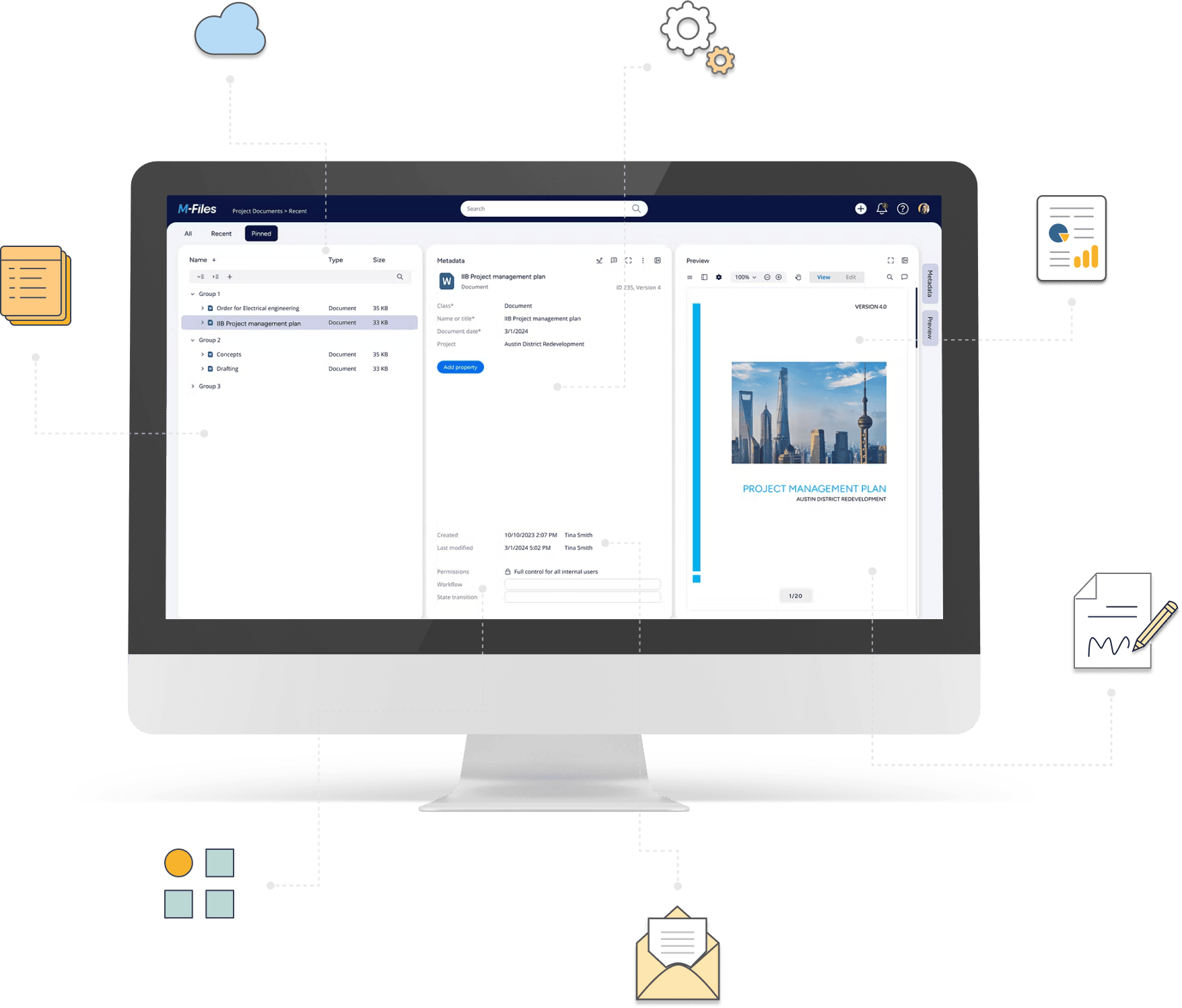
Automate how documents are created, processed, and finalized in M-Files
Automate document generation, PDF conversion, signing, data extraction, archiving, and more using M-Files data and workflows — without custom development.
Deliver advanced document automation without custom development
Meet more requirements with configurable, reusable capabilities for generating, processing, and managing documents in M-Files.
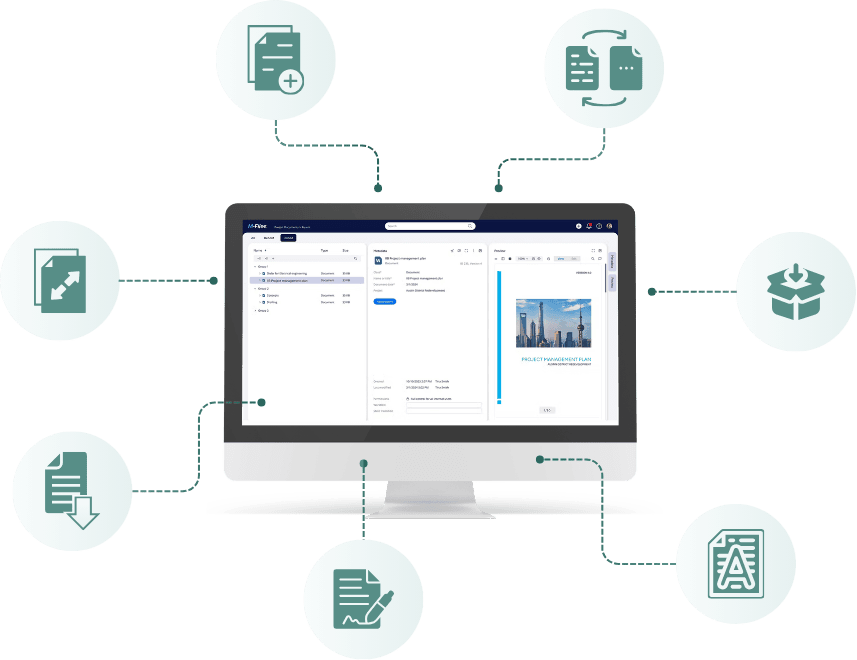
Handle document generation, processing, data extraction, and archiving without building separate scripts or tools.
Configure and adapt document operations using M-Files data, templates, and workflows instead of custom code.
Apply proven document automation rules across customer projects, adapting them to different requirements.
Use visible, configurable rules that are easier to troubleshoot, update, and hand over.
Automate a wide range of document operations in M-Files
Populate Word templates and Excel workbooks with M-Files properties, referenced information, and structured business data.
- Generate contracts, proposals, certificates, and other documents from Word templates.
- Populate document text, tables, bookmarks, text boxes, headers, and footers.
- Insert images, Excel content, and information from related M-Files objects into Word documents.
- Populate Excel cells or transfer ranges and worksheets between workbooks.
- Apply template content and formatting updates to Word documents.
Convert, modify, and finalize files using configurable actions that can run at defined stages of a business process.
- Convert supported documents to PDF or searchable PDF.
- Add or remove text and image watermarks.
- Apply visual signature appearances or certificate-based digital signatures.
- Insert and read barcodes or QR codes.
- Merge multiple documents or split files into separate parts.
- Add, replace, remove, or rename files within an M-Files object.
- Encrypt or decrypt supported documents and extract text using optical recognition.
Read structured content from Office and XML files, or use AI to analyze documents with variable layouts. Map extracted information to M-Files metadata or related business objects.
- Read values from Word tables, bookmarks, and text boxes.
- Extract values from Excel cells, ranges, and tables.
- Create or update M-Files objects using structured spreadsheet data.
- Read, populate, add, or remove elements in XML documents.
- Classify incoming documents using supported AI services.
- Extract information from documents and map the results to M-Files properties and related objects.
Collect and compress documents for delivery, storage, or transfer, and extract files from supported archives.
- Create ZIP, 7z, or TAR archives.
- Extract files from ZIP, 7z, TAR, and RAR archives.
- Apply supported password protection or encryption.
- Package files from M-Files and supported external locations.
- Extract archive contents into M-Files or configured destinations.
Configure document automation around your M-Files processes
Use M-Files data, workflow events, and configurable actions to automate document operations without custom development.
Use document properties, related objects, and structured data to populate or process documents.
Trigger supported operations through M-Files events, workflow state changes, schedules, or on-demand actions.
Sequence document generation, conversion, extraction, and file handling to produce the required files or update M-Files information.
See document automation in practice
Create contracts from approved templates using customer or project data already stored in M-Files. Once approved, finalize them as PDFs and prepare them for distribution.
Bring information from projects, activities, deliverables, and other related records into a consistently formatted report. Useful for recurring reports that would otherwise require manually collecting and formatting information.
Extract information from incoming forms, invoices, contracts, and other documents instead of entering it manually. Store the extracted values as M-Files metadata so they can be used in subsequent processes.
Gather completed project documents and prepare them for delivery in a consistent package. Finalize individual files, merge selected documents, and package the required documentation into an archive.
Explore related solutions →
Document automation with Extension Kit
Extension Kit Core
Generate, modify, convert, extract information from, and process documents using configurable M-Files modules: Document Processing, Word Writer, Excel Writer, Word Reader, Excel Reader, XML Processing, Archiving.
Document AI
A module in Extension Kit Core that allows you to use AI services to classify documents, extract information, and turn the results into M-Files metadata.
Ready to automate document processing in M-Files?
From document generation and data extraction to PDF conversion and archiving, Extension Kit helps you deliver advanced document automation without custom development.