Extending M-Files with AI
AI is changing how organizations handle their documents.
One of the most visible improvements is in document classification and data extraction. These capabilities reduce manual input, improve consistency, and remove a significant amount of repetitive work from document handling.
In M-Files specifically, you can use different AI services and models to automatically classify documents and extract metadata. With the Document AI module in Extension Kit Core, these capabilities can be configured directly inside M-Files Admin, without custom development.
But classification and extraction are only part of the workflow. AI can also support document processing more broadly, from intake and content analysis to collaboration and archiving.
Using Extension Kit Core, M-Files can be connected with external AI services and open up scenarios such as:
- transcription
- summarization
- translation
- image analysis
- custom AI agents
This article looks at one specific scenario: using the HTTP Integration module in Extension Kit Core to connect M-Files with a custom AI agent that converts meeting recordings into structured meeting notes stored back in M-Files.
What the HTTP Integration module does
The HTTP Integration module is part of Extension Kit Core, an add-on that extends M-Files capabilities without coding.
The module allows M-Files to communicate with external services through HTTP requests triggered directly from events inside M-Files. For example, a request can be triggered when a document is created, updated, classified, or moved to another workflow state.
As part of the request, the module can send a file or selected metadata to an external service, receive the response, and write the result back into M-Files.
Depending on the scenario, the result can be stored as updated metadata, a new document, related objects, workflow changes, or processed file content.
All integration logic is configured inside M-Files Admin. This makes it possible to connect M-Files with external AI services, APIs, and internal systems without building custom integrations for each scenario.
Integrating AI services in M-Files through configuration
Using the HTTP Integration module, M-Files can communicate with external AI services, custom APIs, or AI solutions hosted in the organization’s own environment, without building a dedicated integration for each new service.
The external service can be used for scenarios such as:
- transcription
- summarization
- translation
- OCR and data extraction
- image and document analysis
- custom AI agents built on internal data
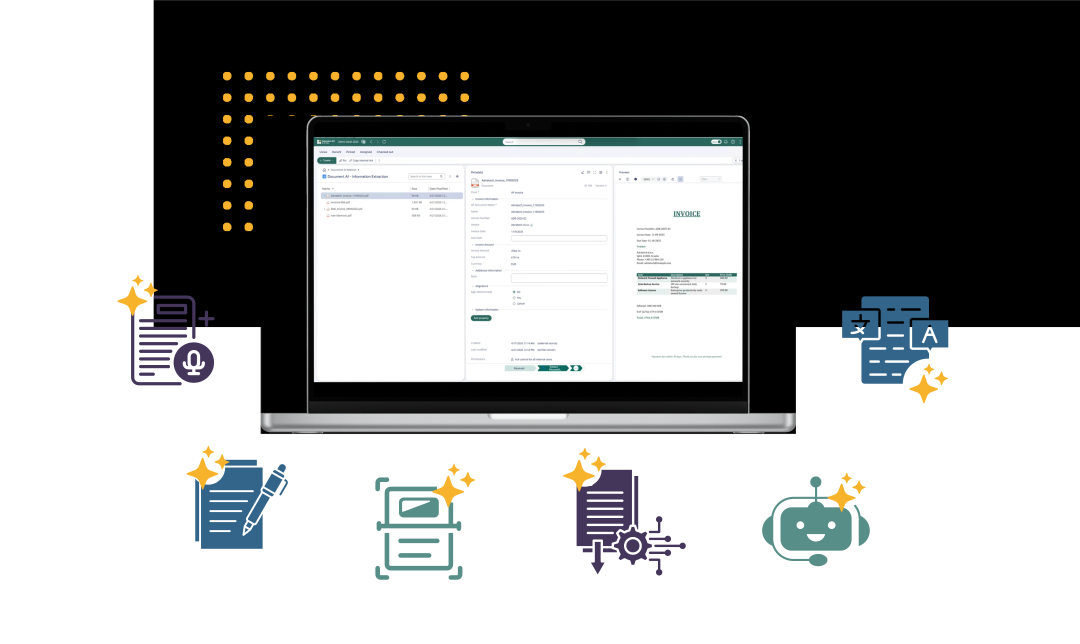
To connect an external service, you configure the endpoint, the payload sent from M-Files, and how the response is mapped back into M-Files.
Users continue working inside the M-Files interface while the processing happens in the background. The AI-generated output can be written back into M-Files as updated metadata, a connected document, or a new object linked to the original file and its workflow context.
Use case: Meeting recordings into structured meeting notes
A common scenario is working with recorded meetings, webinars, or internal sessions that need to be turned into structured documentation.
In this example, a company stores meeting recordings in M-Files as documents of the class Meeting recording, along with metadata such as date, location, and project.
From there, the goal is to:
- Generate a transcript from the recording
- Generate a summary from this transcript
- Create a structured meeting note based on a predefined template
We use HTTP Integration to connect M-Files with a custom AI agent that handles transcription, summarization, and document generation.
The workflow works as follows:
- A recording is added to M-Files and classified as a meeting recording, with metadata such as date and location.
- HTTP Integration sends the recording to a container app in Azure. This service handles transcription by calling the ElevenLabs API.
- The transcript is returned and saved on the metadata card of the recording.
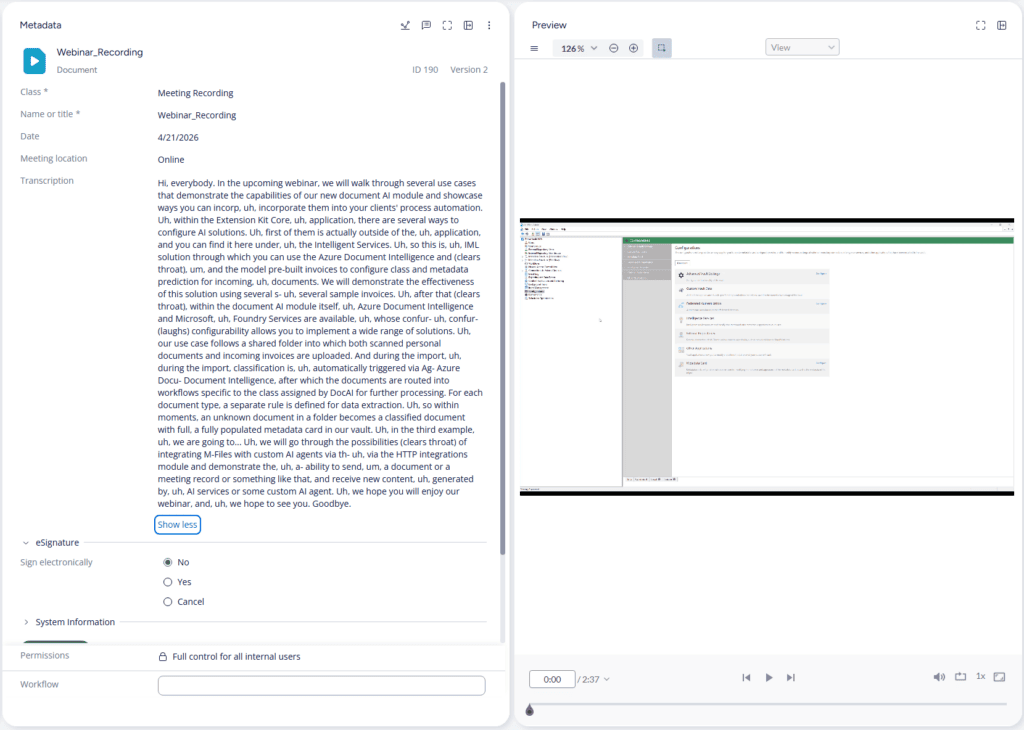
- A second AI service, built on a Microsoft Foundry model, generates a structured summary from the transcript.
- A new Meeting note document is created from a template, and the summary is written into it.
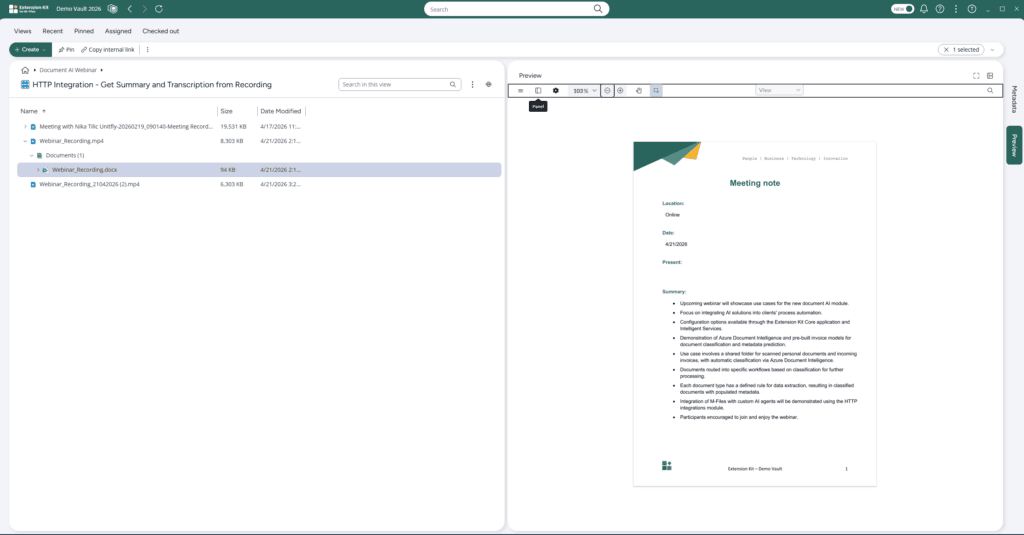
- Metadata from the original recording is copied to the meeting note, so that both the recording and the generated output are linked in M-Files.
While this example focuses on meeting recordings, the same approach applies to other document types.
For example, invoice processing can follow a similar pattern. If invoices are not received as structured e-invoices, HTTP Integration can send them to an external OCR or extraction service to read and interpret the document. In the case of e-invoices, processing can be handled using built-in integrations with e-invoice providers, while structured XML invoices can be processed directly using the XML Processing module in Extension Kit Core.
In both cases, the principle remains the same: external AI or processing services handle the content, and M-Files ensures the results are structured, linked, and available within the existing workflow.
Conclusion
AI in M-Files goes beyond classification and extraction. With Extension Kit Core, it can be extended to cover broader document workflows by connecting external AI services without coding.
The HTTP Integration module enables M-Files to trigger AI-driven processes, receive results, and store them directly within documents, metadata, and workflows.
The key value is that the output stays structured, connected, and fully integrated into existing M-Files processes.
To see the full AI automation flow in practice, including this use case, download a webinar: From extraction to generation: Extend AI scenarios in M-Files without coding
FAQ
Does HTTP Integration require coding skills?
No. The module is configured, not coded. You define the endpoint, the payload, and how the response is written back into M-Files.
Can it call any external service?
Yes, any service that exposes an HTTP API. That includes commercial AI providers, internal services, and on-premise AI solutions.
How is this different from Document AI?
Document AI handles structured classification and metadata extraction inside M-Files. HTTP Integration is broader and lets you call any external service for any purpose, including transcription, summarization, translation, vision, or custom AI agents. The two work together inside the Extension Kit Core setup.