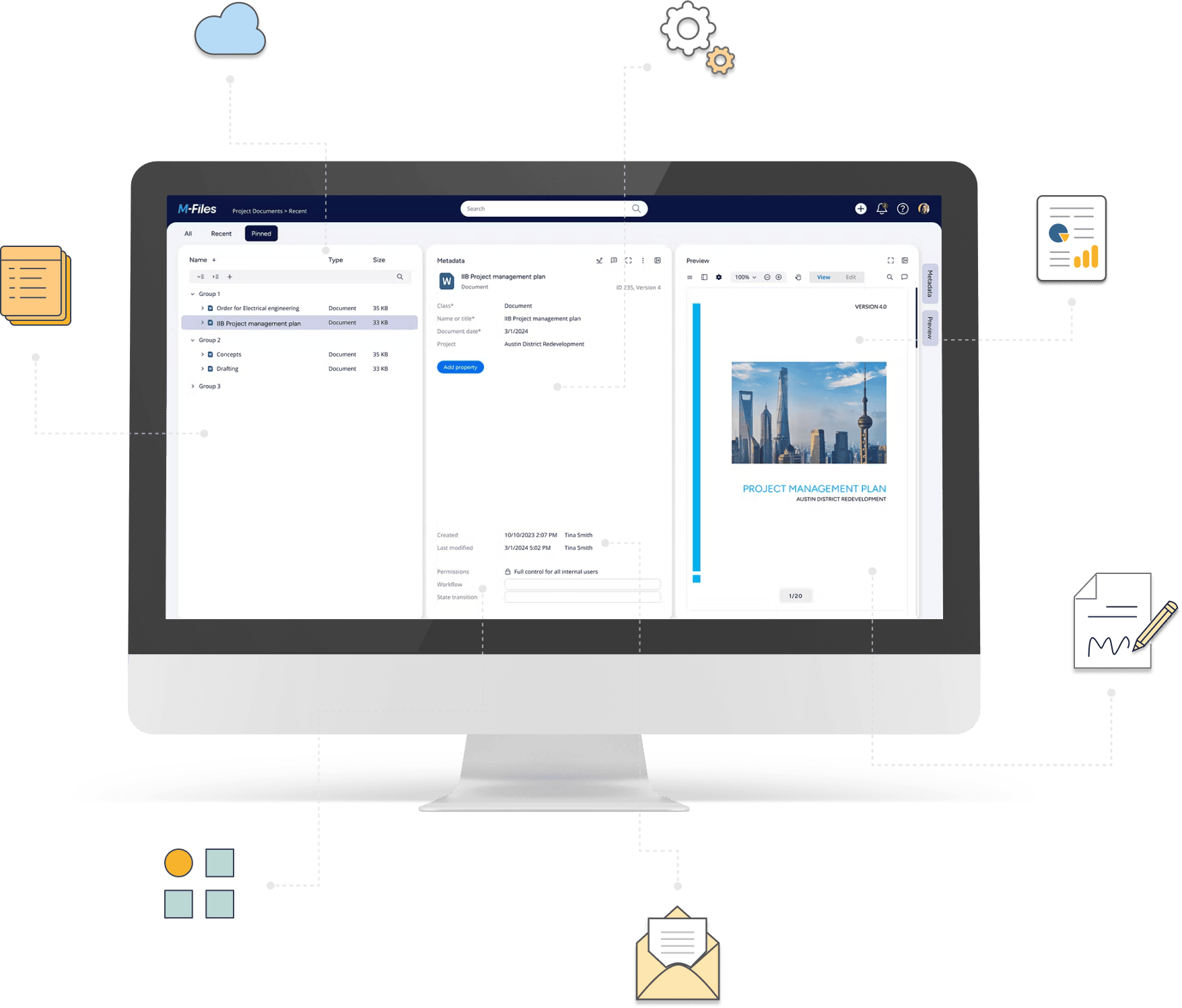
Extend M-Files workflows with advanced automation and control
Coordinate automation rules, manage workflow transitions, and send notifications based on business conditions through configurable actions, with support for custom logic when needed.
Deliver more advanced M-Files workflow automation with less custom development
Extend M-Files workflows with configurable logic for coordinating actions, managing approvals, and automating communication.
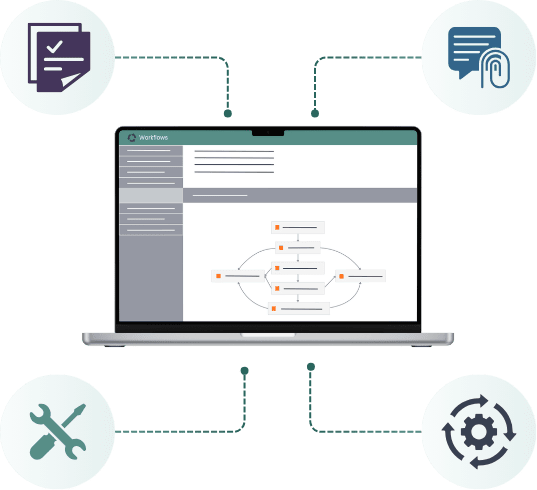
Run multiple automation rules in the required order, with conditions that determine when each action executes.
Automatically advance workflow steps when the same user has already approved the document.
Send notifications and documents to internal or external recipients based on M-Files actions.
Combine configurable automation with custom methods when a process requires functionality beyond standard rules.
Go beyond standard M-Files workflows
Explore how Extension Kit Core helps coordinate business rules, control workflow execution, and automate communication within M-Files.
Coordinate multiple Extension Kit rules and control when and in what order they execute.
- Chain automation rules into a defined execution sequence.
- Control rule execution using object properties, vault searches, and configured conditions.
- Run rules based on M-Files object events and changes.
- Execute supported actions during object processing or in the background.
- Coordinate dependent operations across Extension Kit Core modules.
Avoid repeated approval steps when the same user is assigned to approve a document more than once.
- Automatically advance configured workflow transitions when the required conditions are met.
- Skip repeated approvals based on previous approval activity.
- Apply rules based on the document creator, previous approver, or most recent approval.
- Limit automatic transitions to selected workflows, states, and object conditions.
Send customized emails and process email content using M-Files data and configurable rules.
- Send notifications to internal and external recipients based on object events, workflow changes, or schedules.
- Populate recipients, subject lines, and message content using M-Files metadata.
- Create personalized HTML emails with dynamic content.
- Include files from M-Files objects or related records as attachments.
- Send scheduled reminders and notification digests.
- Extract content and attachments from supported M-Files email objects for further processing.
Execute existing or customer-specific code through Extension Kit Core when a requirement cannot be handled through available configurable modules.
- Run custom methods through Extension Kit rules.
- Trigger methods based on object events, workflow states, or configured conditions.
- Control execution using object and property conditions.
- Combine custom methods with other automation rules.
What can you build with workflow automation?
Compare invoice and purchase order values, then execute different actions depending on whether the values match or require further confirmation.
Explore exampleAutomatically advance configured workflow steps when the assigned user has already approved the document, preventing unnecessary repeat approvals.
Explore exampleNotify internal or external recipients about upcoming deadlines, approvals, or other business events, including relevant document attachments.
Explore exampleRun customer-specific methods through configured Extension Kit rules when a process requires functionality beyond the available modules.
Explore exampleWorkflow management with Extension Kit Core
Extension Kit Core
Extension Kit Core provides modules for coordinating automation rules, managing workflow transitions, sending notifications, and executing custom methods.
Relevant modules: Orchestrator, Auto State Transition, E-mail Integration, and Extension Methods.
Have an advanced M-Files workflow requirement?
Coordinate rules, automate approvals and communication, and support customer-specific process logic with Extension Kit Core.